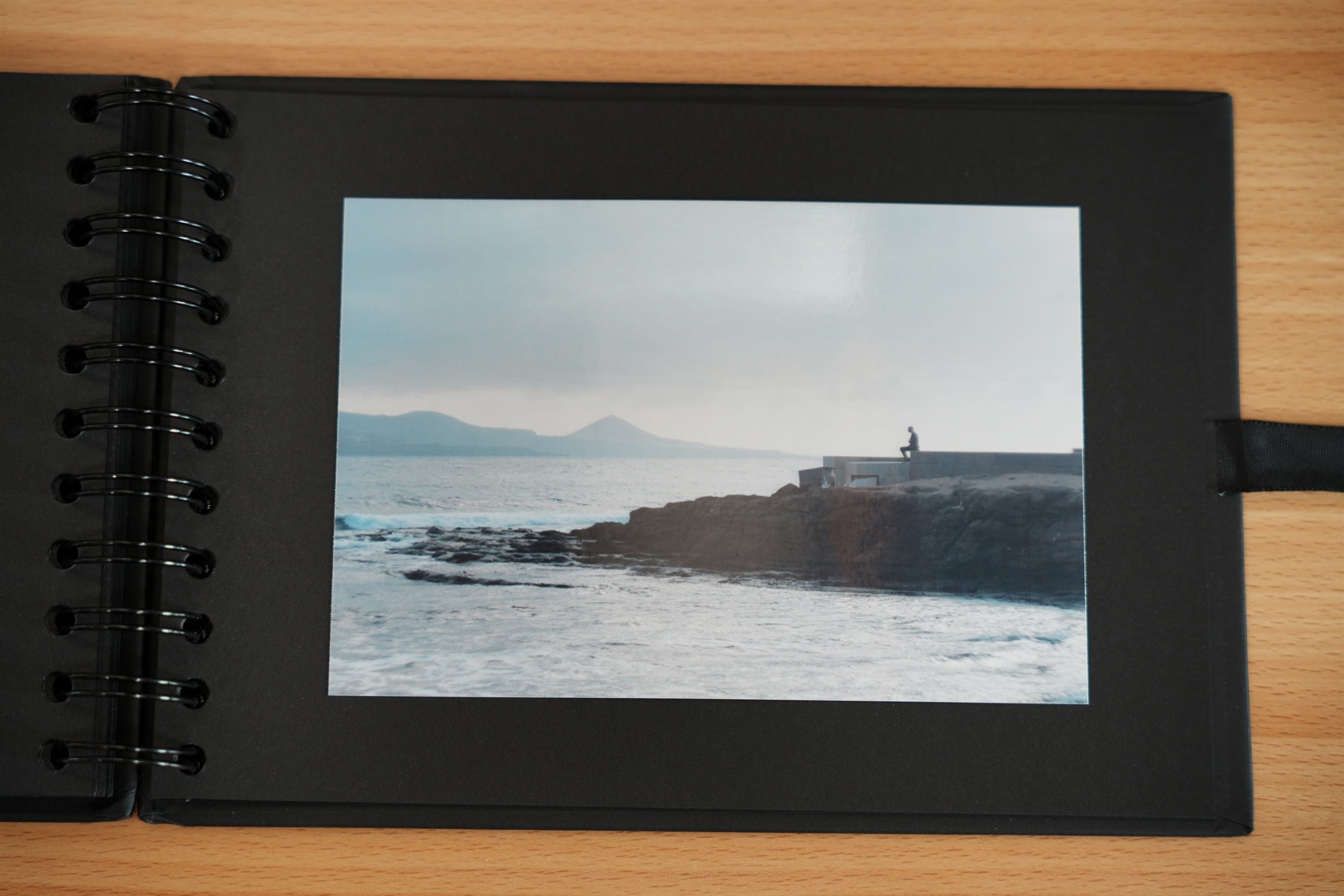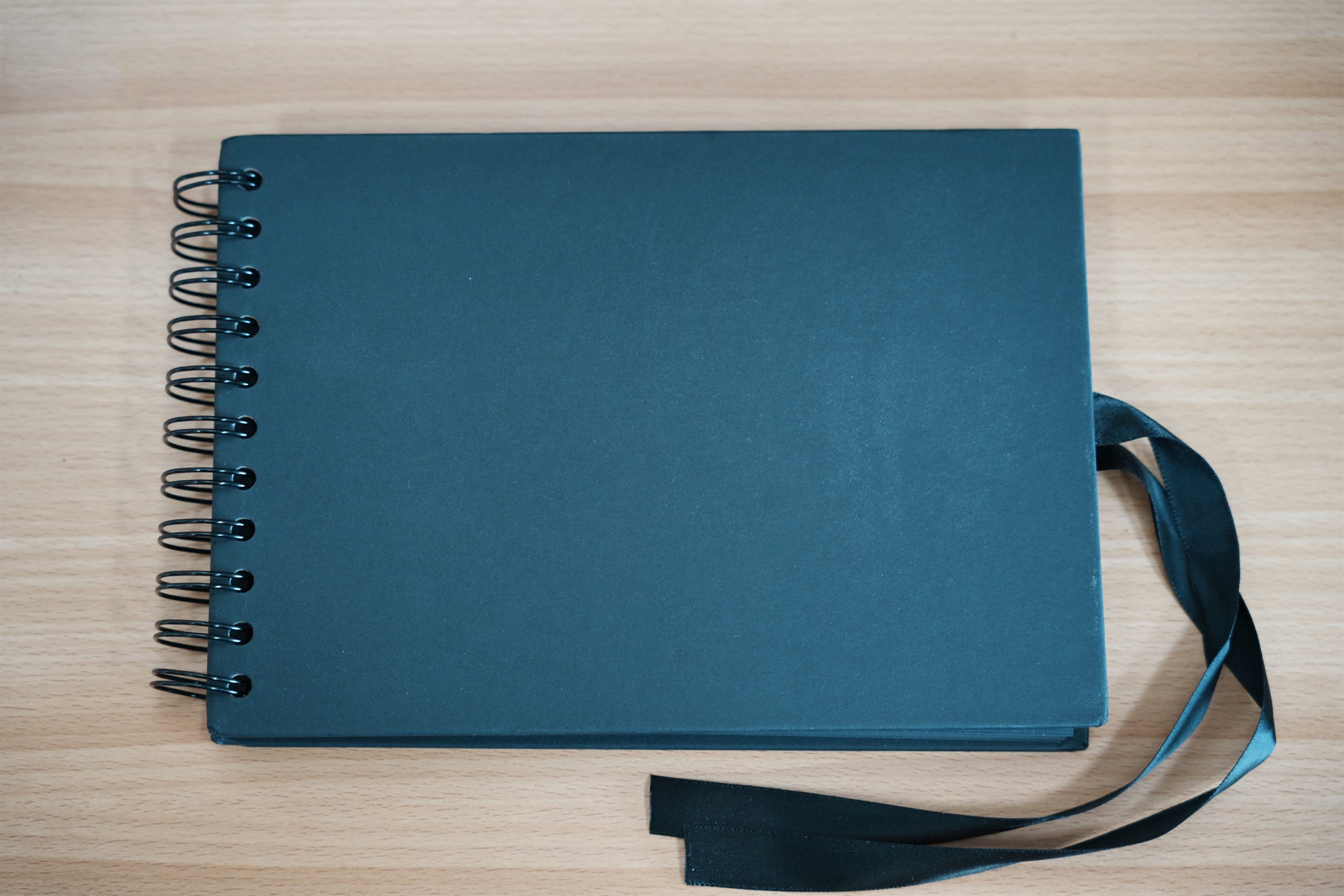
Printed photos are just better. You look at them for longer, more carefully, and with deeper immersion in the scene. Many YouTubers who are photographers say the best reason to print is how good it makes you feel as the creator — and that’s true. But at its core, photography is about being seen and mentally processed, whether by you or by others.
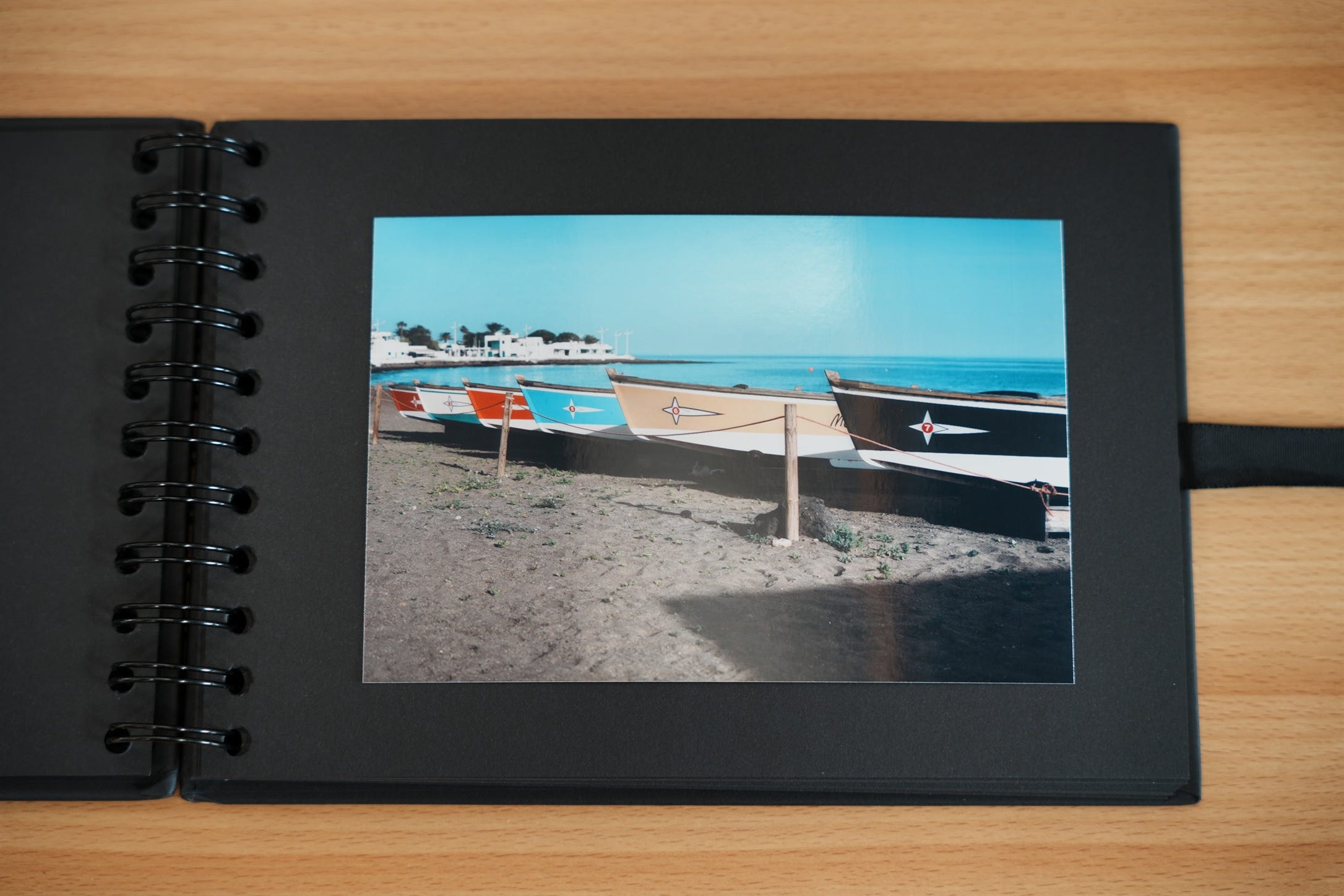
Scrolling past an image on social media for a second before swiping isn’t the same as holding a physical print in your hands and actually spending time with it. The feeling is different, and so is the meaning it takes on for the viewer.
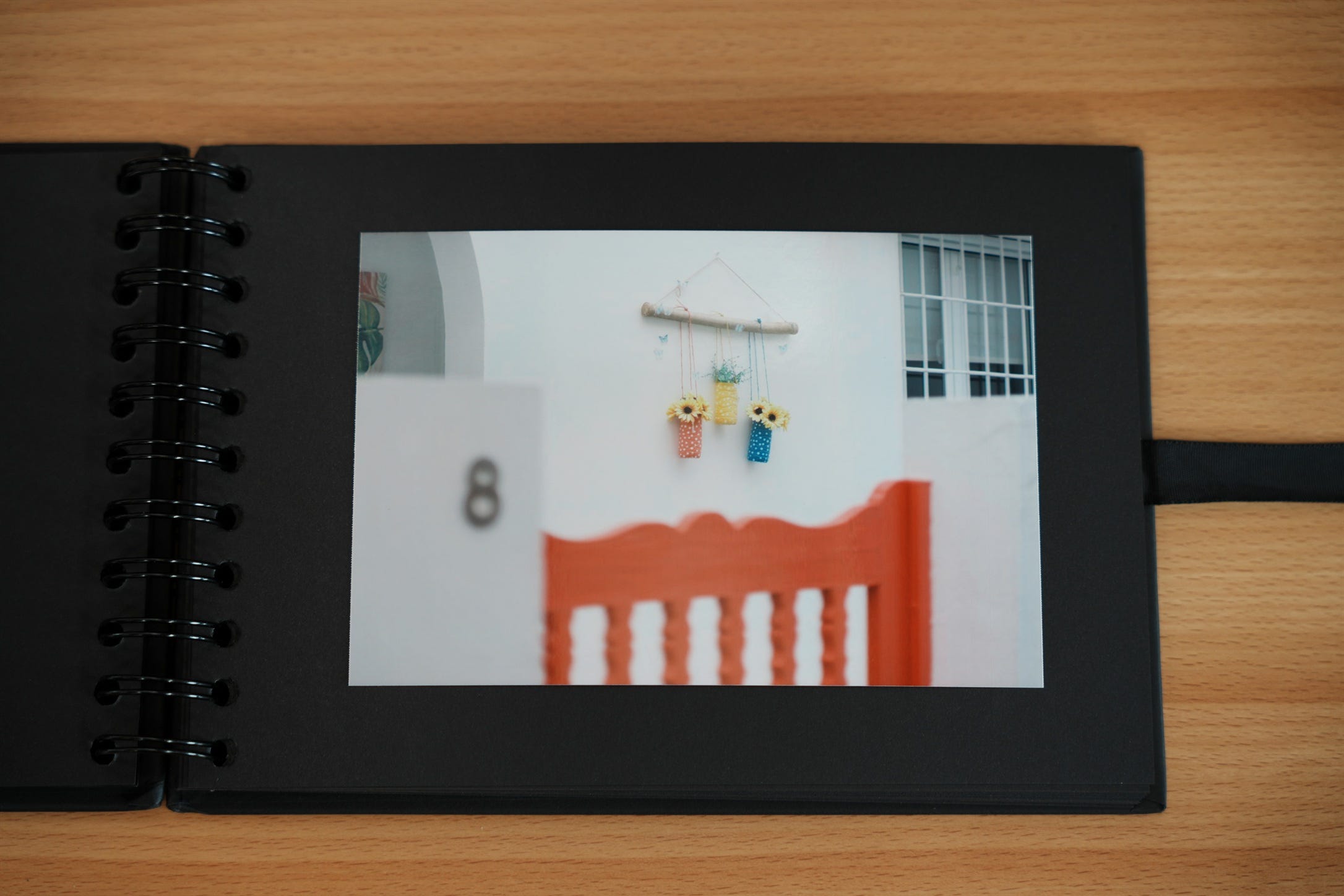
I’ve been making small prints for a while now and learning a lot about the process, both from reading many different sources and from my own trial and error. I decided to condense the most useful and relevant things I’ve learned into this post. If you’re interested now — or think you might be in the future — I recommend saving it for when the time comes.
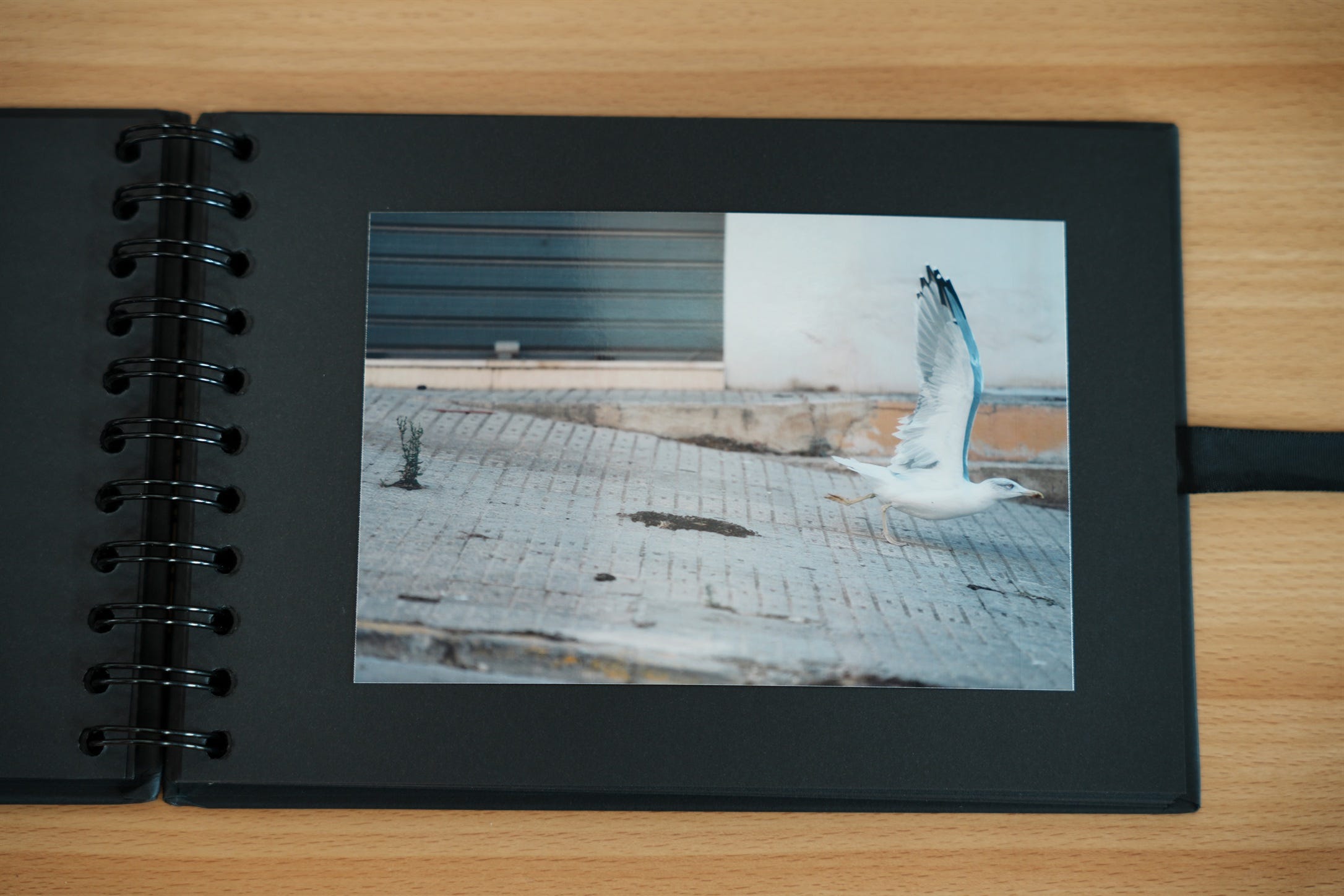
Should I print at home or use a professional service?
My clear advice: unless you have a very specific reason and you’re sure you’ll do it regularly, start by using a professional service. In most mid-sized cities you’ll find photography stores, and there are plenty of good online services that deliver to your door at very low prices. There will always be time later to buy your own printer once you know you’re going to keep doing it.
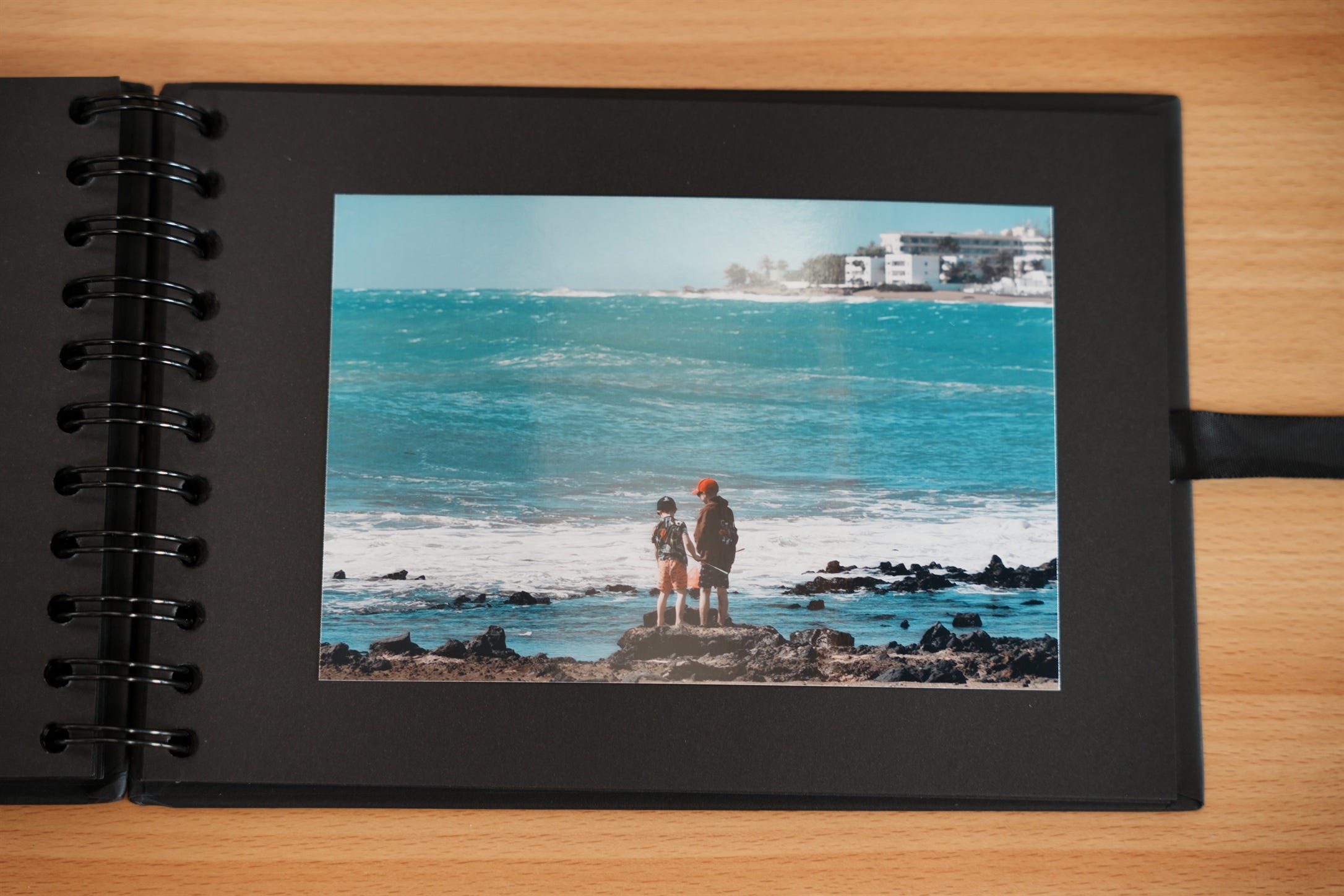
I’ve decided to buy a printer. Any recommendations?
It depends on your needs (size, how often you’ll use it, etc.), so the best thing is to research what’s currently best at the moment you buy. That said, I can share my experience: I got the Canon Selphy CP1500 and I’m honestly impressed. For a simple home printer, it delivers surprisingly professional results. Think of the quality you used to get from film lab prints in the 90s — but better. And the cost per photo is ridiculously low.
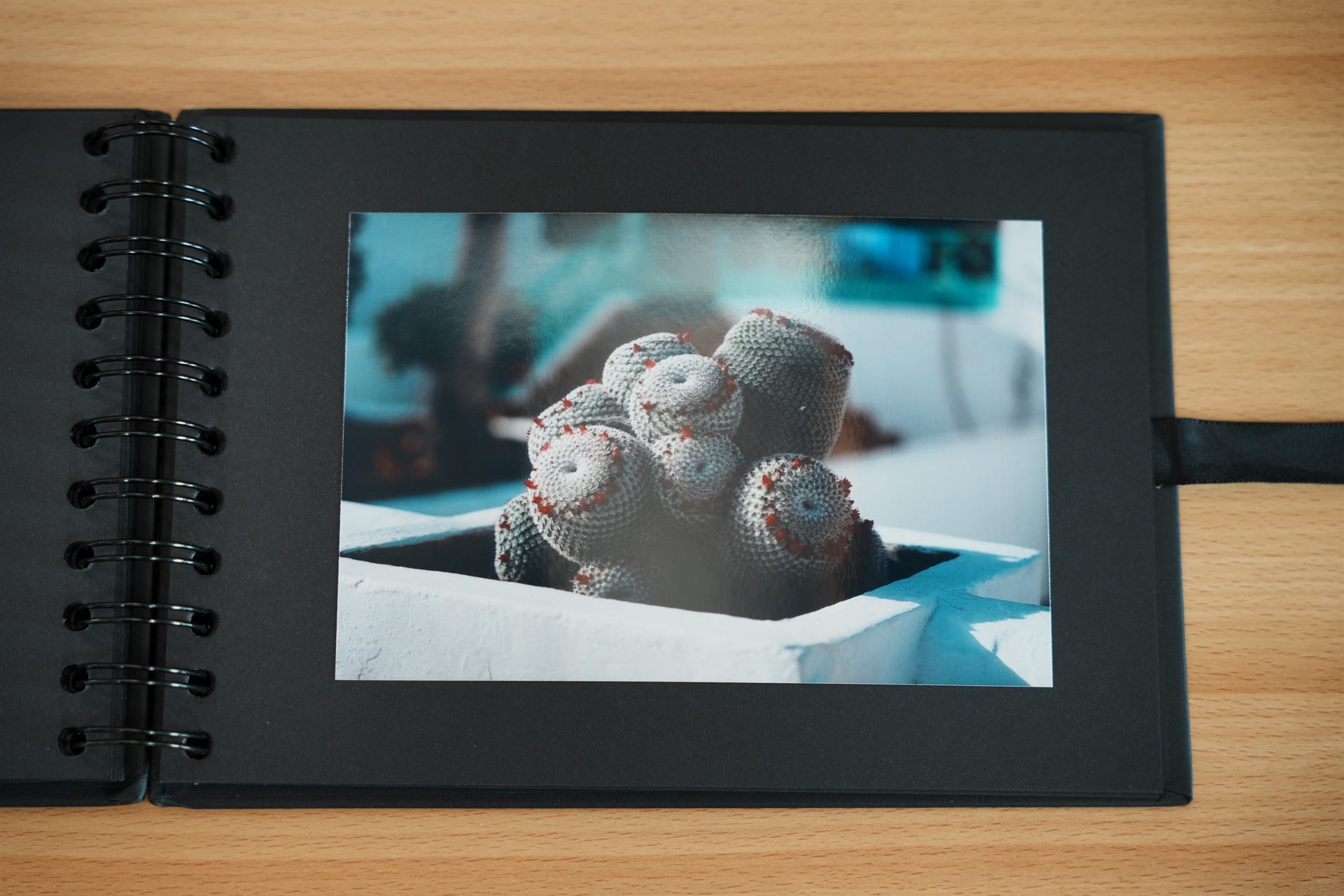
What can I do with my printed photos?
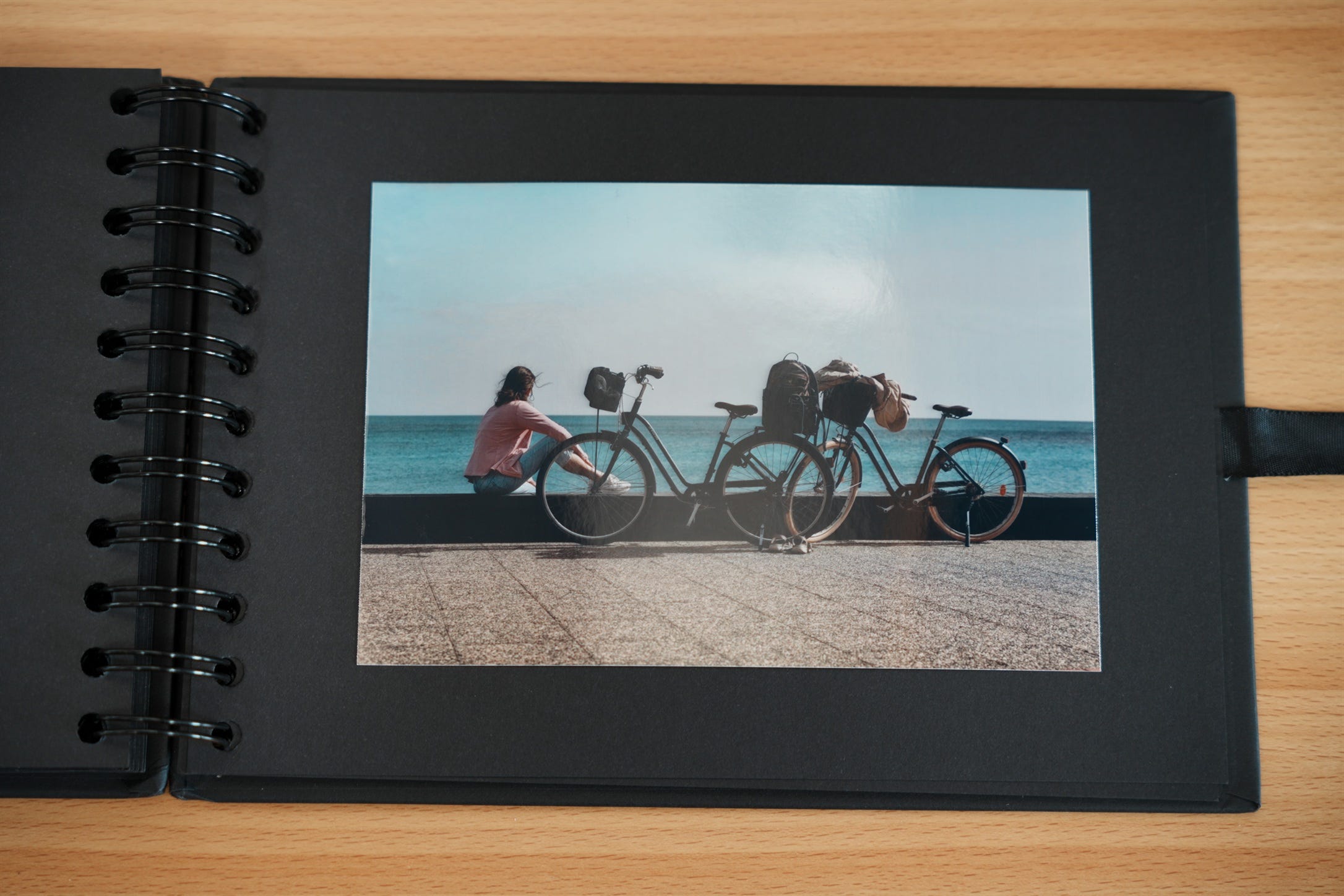
Again, it depends on what you want. From stamps and stickers to large fine art prints for your living room wall. My printer does “Japanese postcard” size, and my main use is sending them as regular mail. It’s an original touch and people love the surprise. Because they’re small and easy to carry, they’re also great for self-promotion as a photographer, giving one to your model after a portrait session, or shooting events and handing guests a physical photo they can take home in their pocket. And of course, as I’m showing in this post, they’re perfect for making albums.
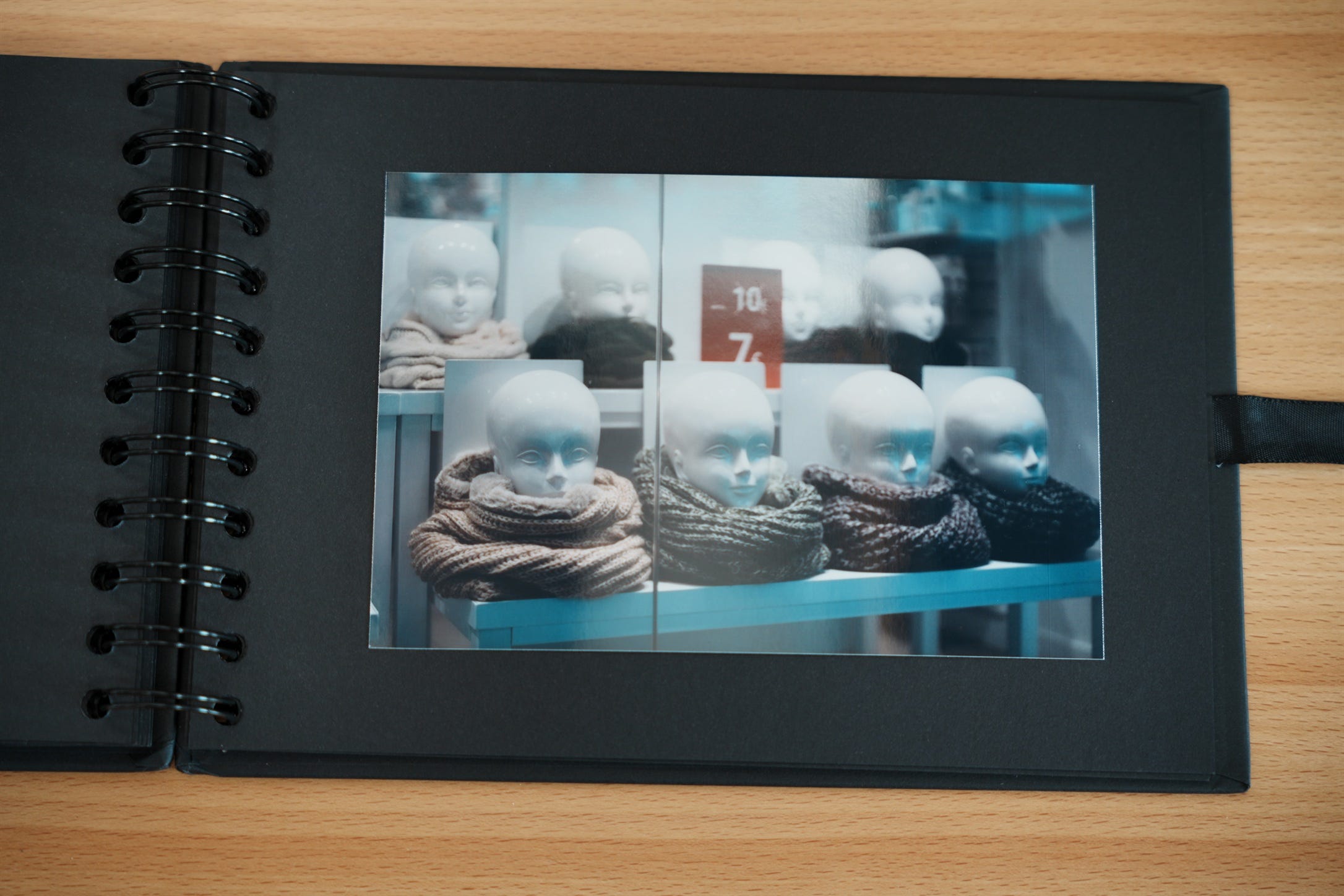
Is there a big difference between what I see on screen and the final print?
Yes, especially in color. In my opinion, you don’t need to stress too much about it unless you’re a professional who needs absolute accuracy (in which case you’ll have to dive into color spaces and calibration). For now, just start printing — you’ll probably be happy with the results. You can always learn to optimize later if you get serious about it.
Do all photos look good in print?
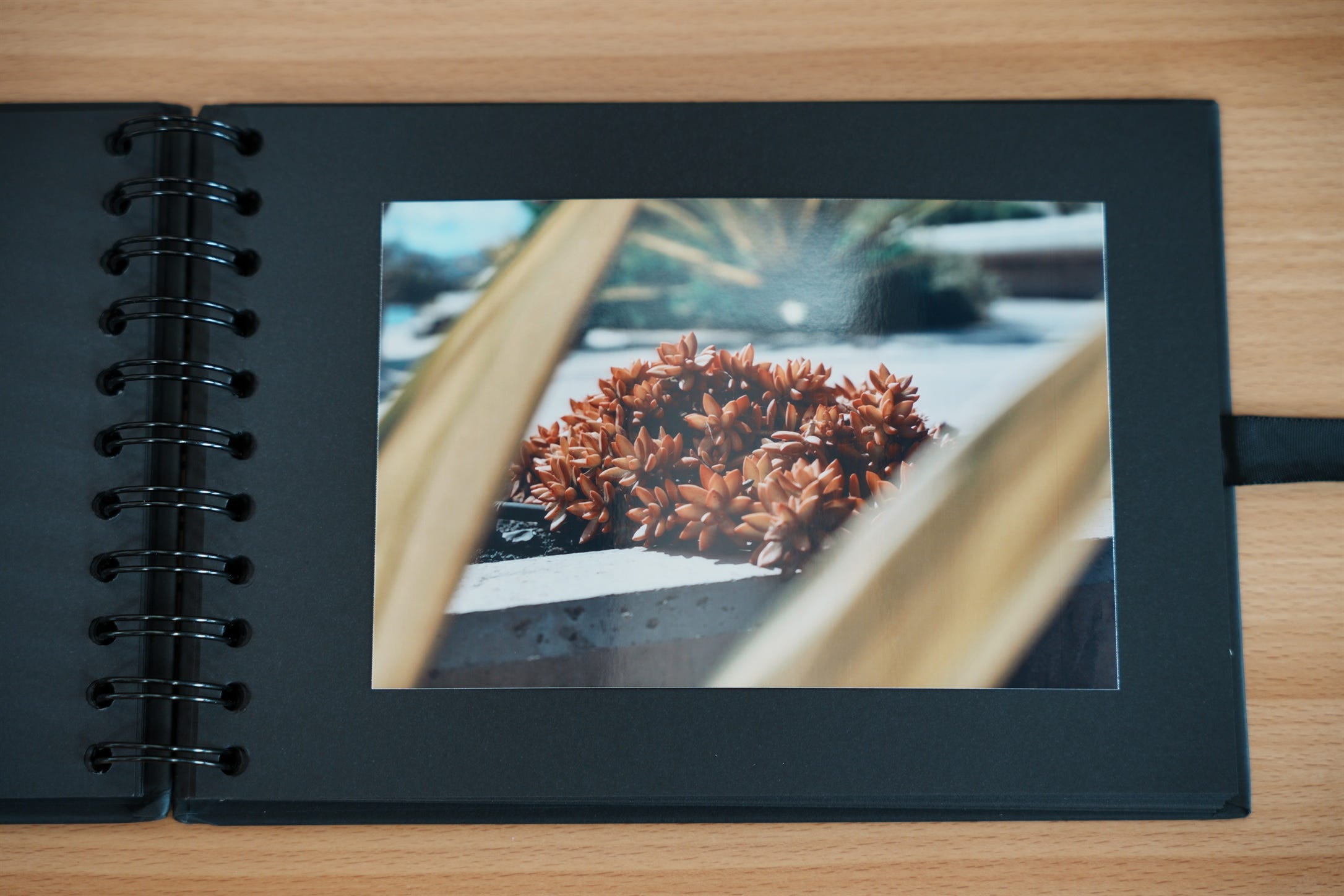
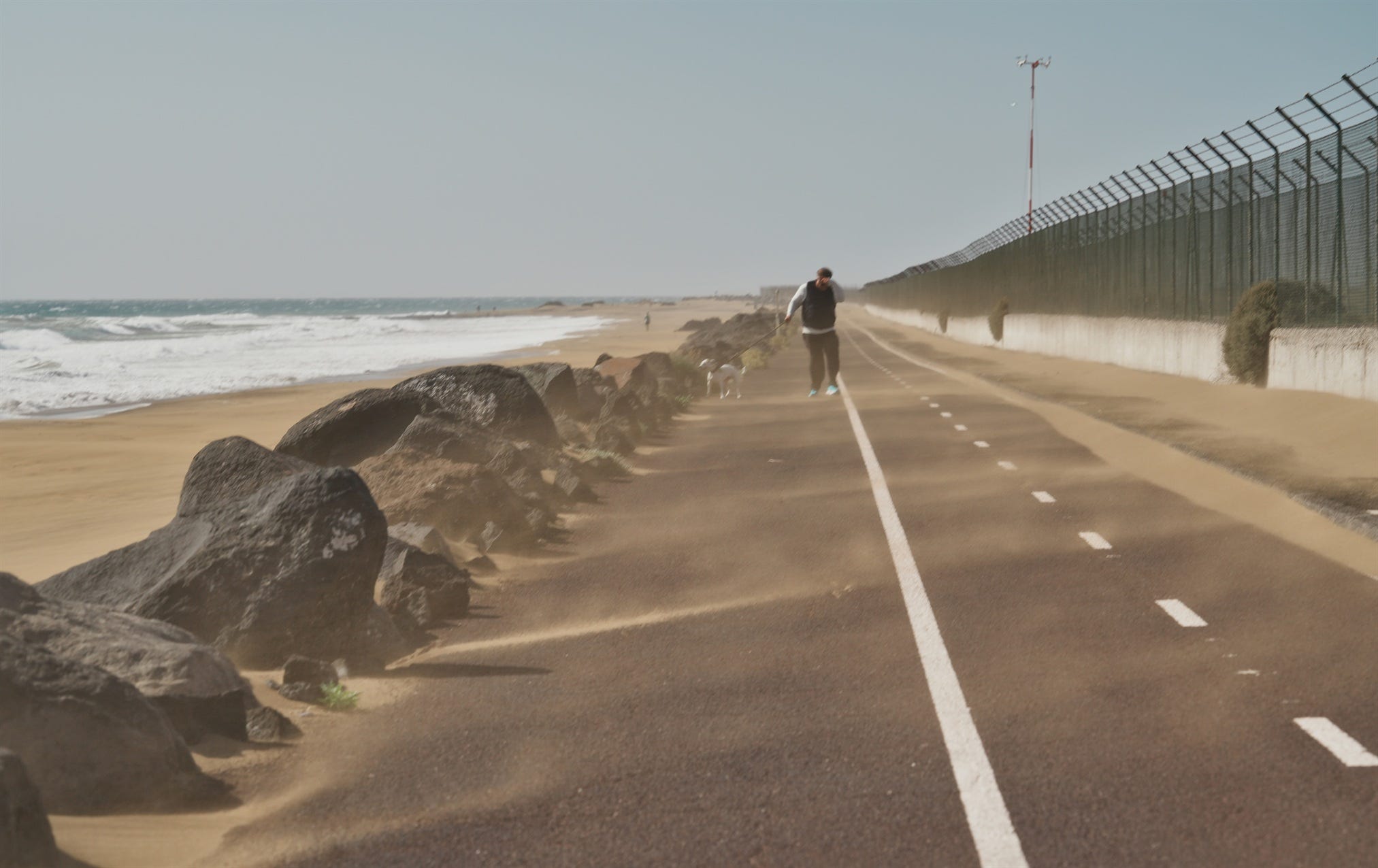
No. Some images look fantastic on screen but don’t work as well when printed (at least at the small size I use). In my experience, tiny details or elements with low contrast against the background tend to get lost. Your subject needs to be clear and strong, or occupy a large/ prominent part of the frame, so it keeps its impact on paper. You can’t zoom in on a print.
Does the environment around the photo matter?
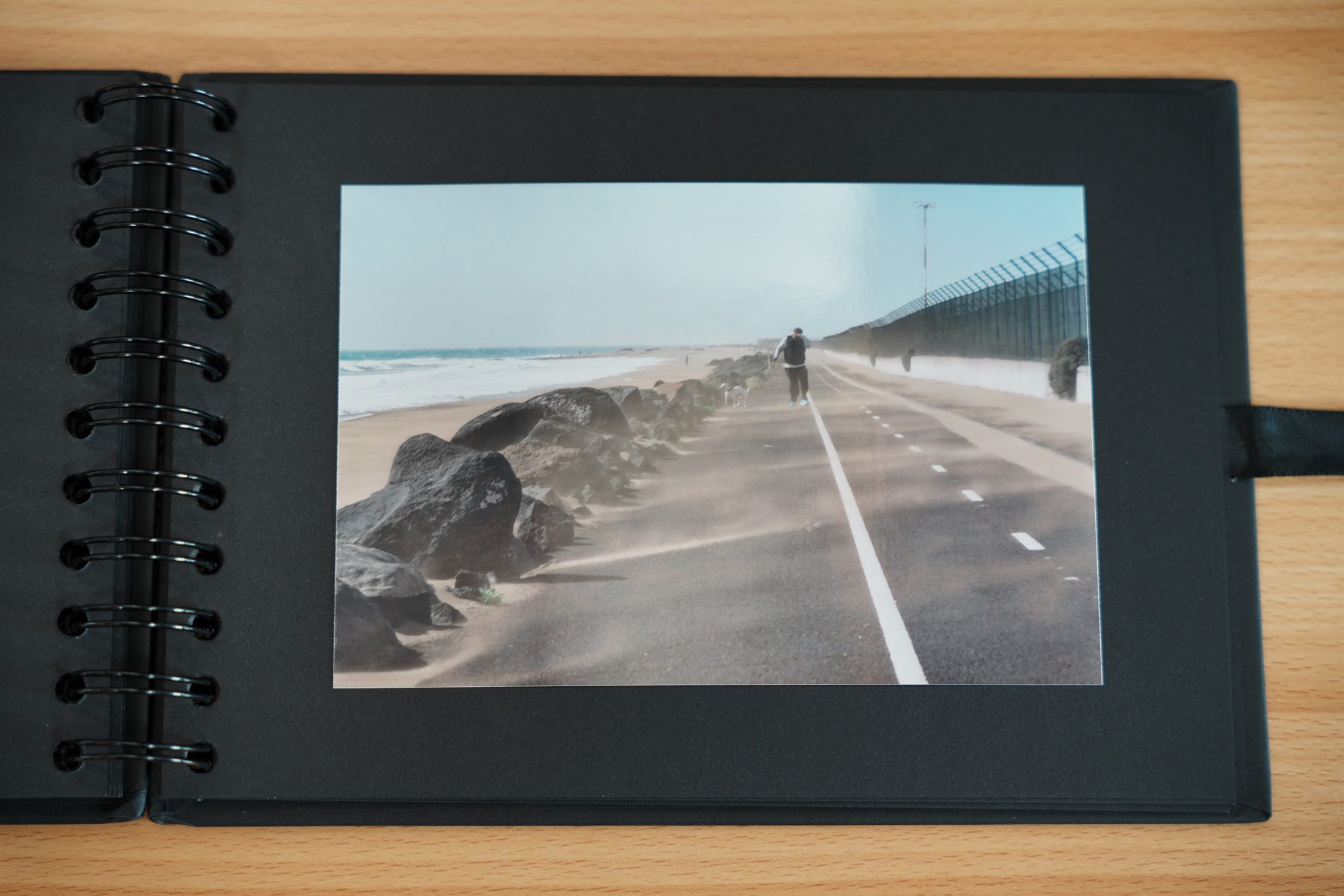
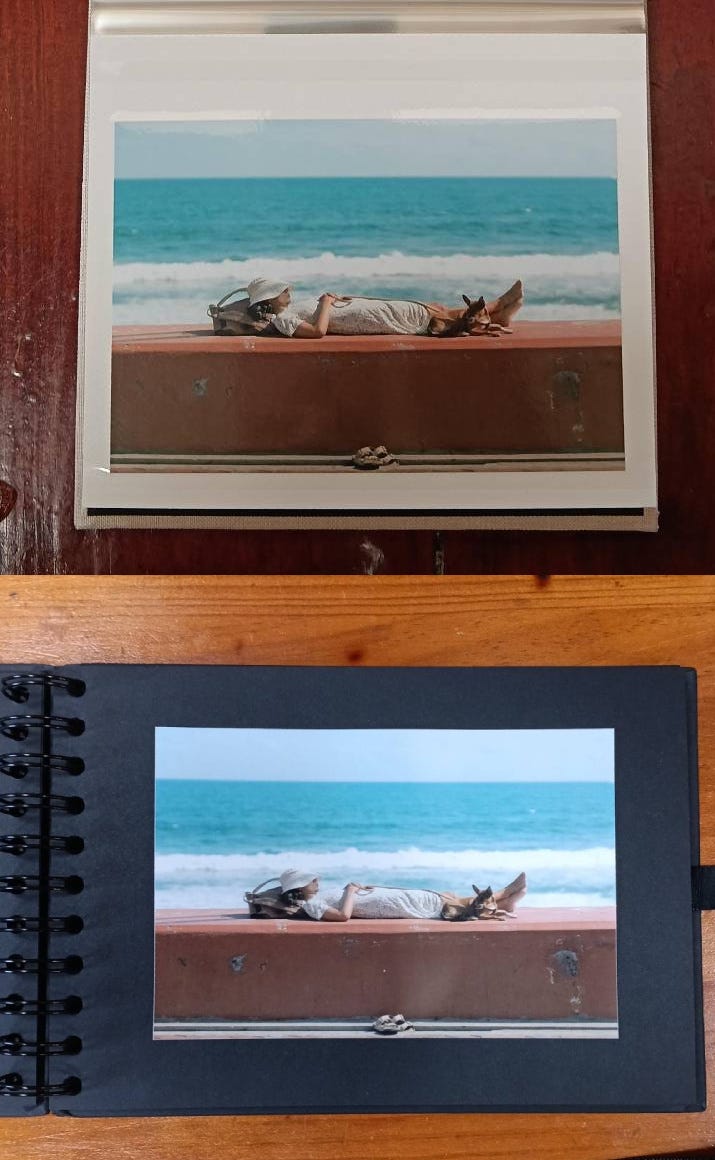
Yes — I mean the surface you place it on. You’ll need to experiment based on what you want to do, but here’s an example: light-colored backgrounds make contrast and colors look less intense. If you surround your photo with something dark (like black paper), the image itself will stand out much more.
Any other tips?
Yes, and this follows from the previous point. If you’re going to place the photo on a light surface (like white paper), edit it on your computer with a light background. If you’ll place it on a dark surface (like black paper), edit with a dark background or turn on dark mode in your app. It’s not just about your monitor’s calibration — our brain adjusts what we see based on the surroundings. So try to make your digital editing environment as similar as possible to the final physical one.
Conclusion
Printing my photos has been a fantastic experience, and the people I’ve shared them with have loved it. It’s something people don’t do much anymore, and that rarity adds extra value. If you love photography, or you simply have an image that’s special to you or brings back an important memory, give it a try. I’m confident you’ll enjoy it.